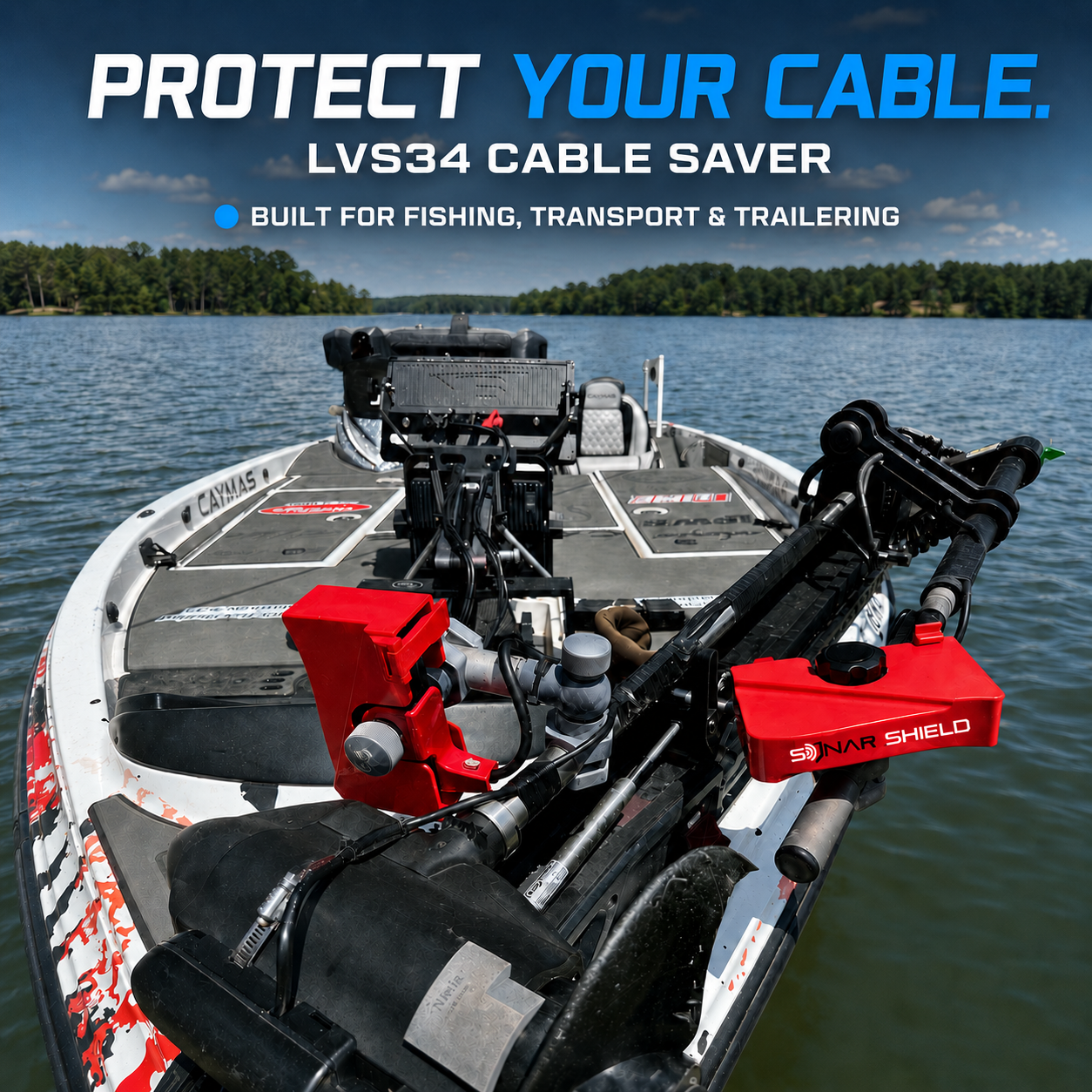
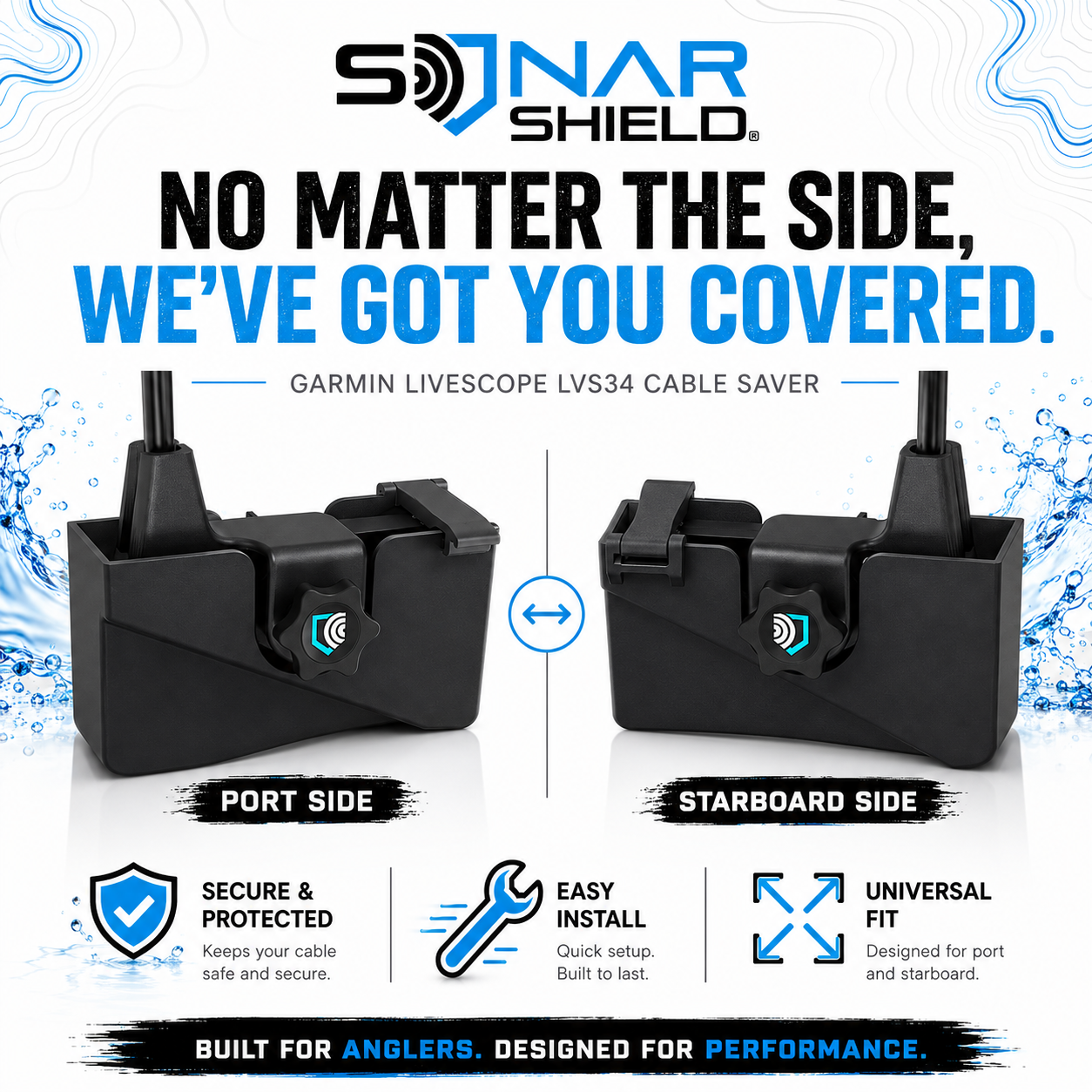
Protect your Garmin LiveScope Plus LVS34 transducer cable from unnecessary strain, sharp bends, and premature wear with the Sonar Shield® LVS34 Cable Saver. This durable, injection-molded cable support helps control cable movement during deployment, adjustment, transport, and trailering.
Choose the Correct Side Before Ordering
Stand behind your boat and look toward the transducer mount:
-
Mount on the LEFT, or Port side → order the STARBOARD Cable Saver
-
Mount on the RIGHT, or Starboard side → order the PORT Cable Saver
The Cable Saver always installs on the opposite side of the mount.
Available in five colors:
Black, Blue, Green, Red, and White
Proper Installation
The mounting tab must sit on the outside of the assembly against the bolt head or adjustment knob. It should never be installed between the transducer and the mounting pole.
Most standard mounts work with the factory OEM bolt. Some Summit mounts and similar aftermarket setups may require a longer bolt.
Extended bolts and replacement mounting bolts are sold separately in our shop.
Features
- Designed specifically for the Garmin LiveScope Plus LVS34
- Helps reduce cable strain, sharp bends, and fatigue
- Injection-molded for strength and durability
- Available in Port and Starboard versions
- Offered in five color options
- Low-profile design does not interfere with sonar performance
- Works with the OEM bolt on most mounts
- Extended and replacement bolts available separately
- Easy to install
Protect your Garmin LiveScope transducer cable and extend the life of your setup with a simple upgrade from Sonar Shield®.
Questions about which side you need? Email sales@thesonarshield.com.