
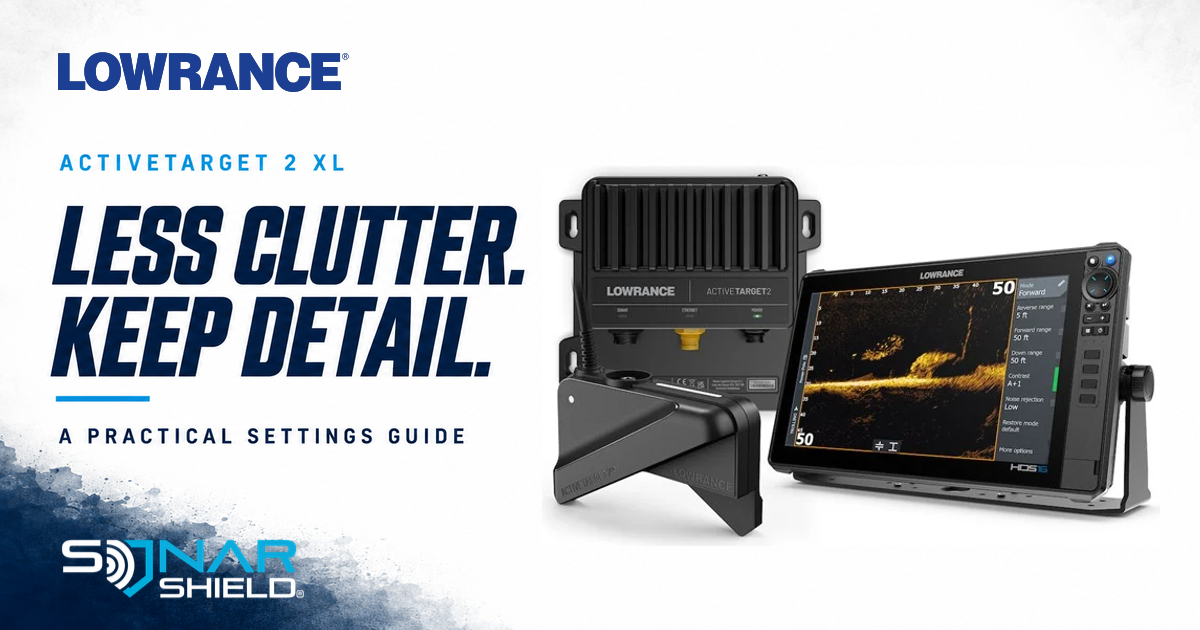
A cleaner-looking sonar screen is useful only if the information you need is still visible. Lowrance’s ActiveTarget 2 XL walkthrough gives owners several controls to compare. Use the documented options below, then judge each change against a repeatable observation.
Controls to try first
These takeaways come from Lowrance’s March 3, 2026 walkthrough with Matt Worth, reviewed September 18. This is existing education, not a new firmware announcement.
| Control | Documented option or behavior |
|---|---|
| Range | Switch from Auto to manual to adjust forward, reverse and down range. |
| View | Change between Forward XL and Down XL on the display. |
| Contrast | Compare target visibility as you adjust it. |
| Noise rejection | More filtering can remove clutter but also reduce target detail. |
| Palette | Green palette 6 is one demonstrated option, not a universal best choice. |
The walkthrough does not establish one fixed contrast percentage or range for every lake. Its chapters locate range at 0:32, contrast at 2:00 and noise rejection at 2:45.
Know which system this applies to
This guide concerns the ActiveTarget 2 XL transducer. Lowrance lists HDS PRO, HDS LIVE, HDS Carbon and Elite FS compatibility and use with an ActiveTarget 2 module. The official XL page also distinguishes ordinary views from Scout Live 360, which requires two systems and HDS PRO. Do not assume an original ActiveTarget or non-XL transducer has every XL control or view.
Sonar Shield’s comparison routine
The following is our suggested way to evaluate a change, not a Lowrance preset or a claim of firsthand testing.
- Save your starting point. Write down the current mode and values or take a reference photo. Include the display model and software version so the observation is useful later.
- Choose a repeatable reference. While safely stationary, use a feature or presentation you can observe repeatedly. Keep your position and aim as consistent as practical. A moving boat and changing water make comparisons less certain.
- Change one control. Make a small adjustment and compare with the starting view. Do not change range, contrast, filtering and palette together; you will not know which change mattered.
- Define a useful result. Ask whether the detail you intended to follow is easier to distinguish—not simply whether there are fewer marks on the screen. If an adjustment removes useful information, return to the recorded starting point and compare again.
- Keep a short record. Note the conditions, adjustment and observation. “Less background clutter, but the small reference became harder to see” is more informative than “this setting is best.”
Separate settings from an installation problem
If the view remains inconsistent, record when it changes: after turning, changing speed, moving the pole or switching another device on. Those observations can help support distinguish causes. Do not label the symptom a firmware bug solely because a menu adjustment did not fix it.
Check the official ActiveTarget software page for your equipment and follow its release instructions. At review, it lists 26.2-72.1.37, released July 8, 2026. That is a reference check, not a new release today. Our fish finder support checklist can help organize the details.
Share the observation, not just the number
Which control made your view easier to interpret, and what changed on screen? Include the exact XL/display combination and relevant conditions. A specific comparison helps another angler decide what to investigate on their own rig.
Independent education by Sonar Shield. Manufacturer product photography and Lowrance logo: Lowrance/Navico Group, used for editorial identification. Original device appearance and screen image are preserved; the illustrated screen values are not recommended universal presets. No sponsorship or firsthand product test is implied.
SONAR SHIELD GEAR
Shop this setup
Keep your travel protection as deliberate as your sonar settings. Start with the cover made for your exact transducer, then choose a strap for your graph cover.

FOR ACTIVETARGET 2 XL · PREORDER
ActiveTarget 2 XL Transducer Cover
Purpose-built for the Lowrance ActiveTarget 2 XL transducer, with a secure fit for trailering and storage. Remove it when you are ready to fish.
This listing is a preorder. Check the product page for current ordering details.

FOR YOUR GRAPH COVER
Fishing Graph Cover Strap
An adjustable bungee strap that helps keep your fish finder cover in place during travel and storage.
Choose the pack and strap size that suit your display and cover. Single, Twin and XL options are listed on the product page.
Open either product page for current pricing, availability and fit details. The transducer cover and graph-cover strap protect different parts of your setup; choose each for its intended use.