
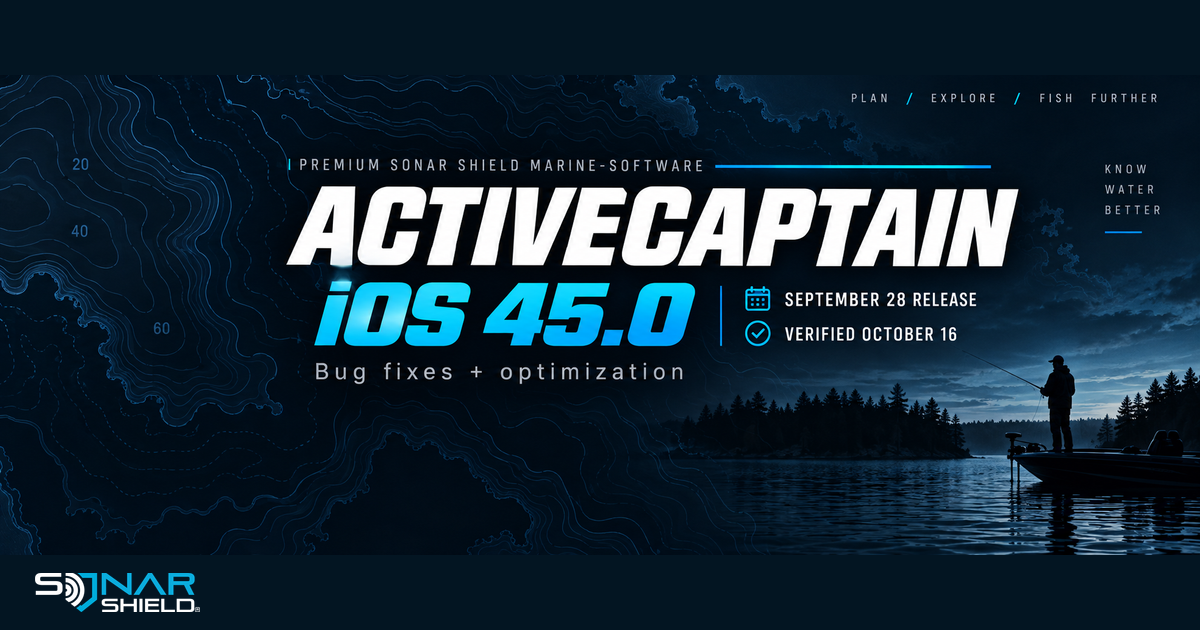
A catch-up update, with a clear date
Garmin's official iOS App Store listing shows ActiveCaptain 45.0, dated September 28, with release notes limited to bug fixing and optimization. We verified that listing on October 16, 2026. This is a newly verified catch-up item in our coverage, not a claim that Garmin released the app today.
The Garmin-published App Store history places 45.0 above 44.0, dated June 25. The available notes do not identify particular fixes, new sonar settings or a specific connection problem. We will not attach those claims to a generic maintenance note.
Check the app you actually use
On your iPhone or iPad, open the App Store and find the official ActiveCaptain listing by Garmin. Compare its version history and the update offered for your device. If an Update button is offered, use that listing to update the app. If it shows Open, do not interpret that alone as a statement about your chartplotter or sonar module.
Store availability can differ by device or region. This article reports the linked U.S. iOS listing; it does not assign the same version to Android or promise an identical rollout everywhere. Check the listing on the device you use.
App version and marine-device firmware are separate
A phone application, a chartplotter and a connected sonar module are separate software records. Seeing 45.0 in an app listing does not mean the chartplotter is running that version, and updating the app alone does not establish that every connected marine device has been updated.
Our suggested record is a short list with one row per component: exact product name, installed version, date checked and the official source used. Leave a row unresolved if you have not checked it. That makes a support conversation more specific and prevents a familiar version number from being applied to the wrong piece of equipment.
A useful post-update check
The following is Sonar Shield's original ownership suggestion, not a Garmin test procedure or evidence that we tested this release.
- Record the app version shown on the device you use.
- Open the familiar app function you normally use and confirm it behaves as expected.
- If planning a marine-device update, read the exact product's current instructions separately before beginning.
- Keep notes about the device, operating system and task if you contact Garmin support about a problem.
Do not use a generic bug-fix note as a reason to promise a cure for an unrelated issue. A precise description of what happened is more useful than assuming every maintenance release changes the same function.
Keep the whole setup organized
Use the linked store history for the app and the manufacturer's individual release notes for marine hardware. For physical accessories, browse Sonar Shield by the exact device. Model-specific covers and visors serve their stated physical uses; they do not change firmware or app behavior.
The graphic is an original editorial announcement, not a screenshot of ActiveCaptain or a manufacturer endorsement. We will continue monitoring the official sources for more detailed or newer releases.
Created with AI assistance using Sonar Shield's topic direction and research from the sources cited in this article.