
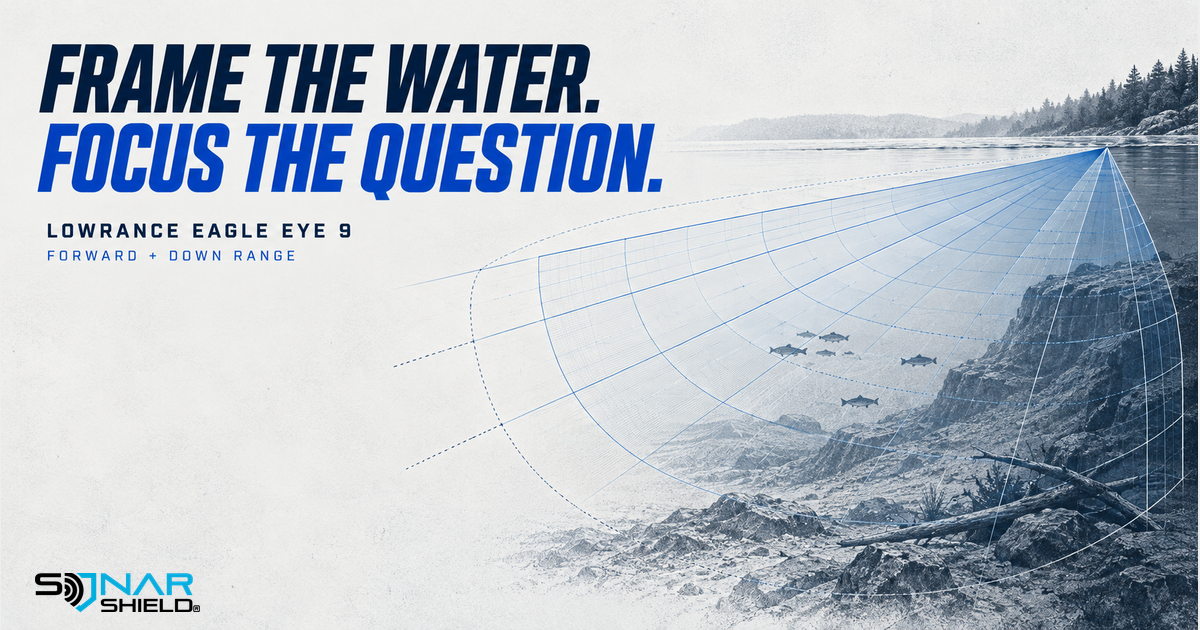
Range is a framing choice
Before adjusting a Lowrance Eagle Eye 9 Live Sonar image, decide what part of the water you are trying to observe. A view showing farther ahead answers a different question from one focused below you. Learning the range controls gives you a deliberate way to frame that question.
This is the Eagle Eye family's additional weekly owner guide. It explains existing functions, not a newly released software version or a claim that we tested the unit on the water.
The documented controls
The official Eagle Eye 9 operator manual, Live Sonar chapter describes Auto as the default customization mode with most settings automated. Selecting the Mode button and choosing Forward or Down expands the relevant controls. Forward range sets the visible distance ahead and is only available in Forward mode. Down range sets the displayed water depth.
Under More Options, the manual describes range grid choices of no grid, straight lines or arc lines. These give a distance reference on the image. They do not identify a return for you. Use your exact installed software and manual if a control differs.
Try a range comparison with a clear purpose
The routine below is our original learning suggestion. It intentionally does not prescribe a fixed distance that may be unsuitable for another depth or presentation.
- Write the question. Are you following a nearby presentation or observing farther ahead? Choose one task.
- Record the starting view. Note Forward or Down and the displayed range. Keep the other controls consistent.
- Change the relevant range. Compare how much of the display your observation occupies and whether it remains inside the visible area.
- Choose the useful frame. Keep enough context to follow the task without assuming the widest view is always best.
If the observation leaves the visible area, first ask whether the chosen range explains its disappearance. Do not immediately assume a missed target or start changing every image setting. A recorded starting point makes it easier to return to a familiar view.
Use the grid as a reference
Once the range comparison makes sense, explore one grid choice. Look at the same image with the grid visible, then without it. Ask whether the reference makes distance easier to describe. This is a separate comparison: the goal is to learn what the overlay adds, not to collect a preferred-looking screen.
The manual also lists noise rejection for reducing signal interference and clutter. Leave that control for a separate observation so its effects do not get mixed into the range exercise. A clean-looking picture and a useful frame are related questions, but they are not the same control.
Match accessories to this system
When the fishing day ends, check Sonar Shield's Eagle Eye-specific listings for the exact product and stated use. Do not assume a cover for another Lowrance family fits simply because the brand matches. Follow the accessory's instructions and remove a travel/storage cover before sonar use.
The graphic is original conceptual artwork, not a screenshot, measured sonar footprint or demonstration of a catch. What would you like to learn next: grid references, view selection or an image control?
Created with AI assistance using Sonar Shield's topic direction and research from the sources cited in this article.